
How to Withdraw on 92Pak Game
A step-by-step guide to safely and quickly withdrawing your winnings from 92Pak
Withdrawing your earnings from 92Pak is a straightforward process — but knowing the right steps can save you time and prevent delays. This guide walks you through everything you need to know, from account verification to receiving your funds.
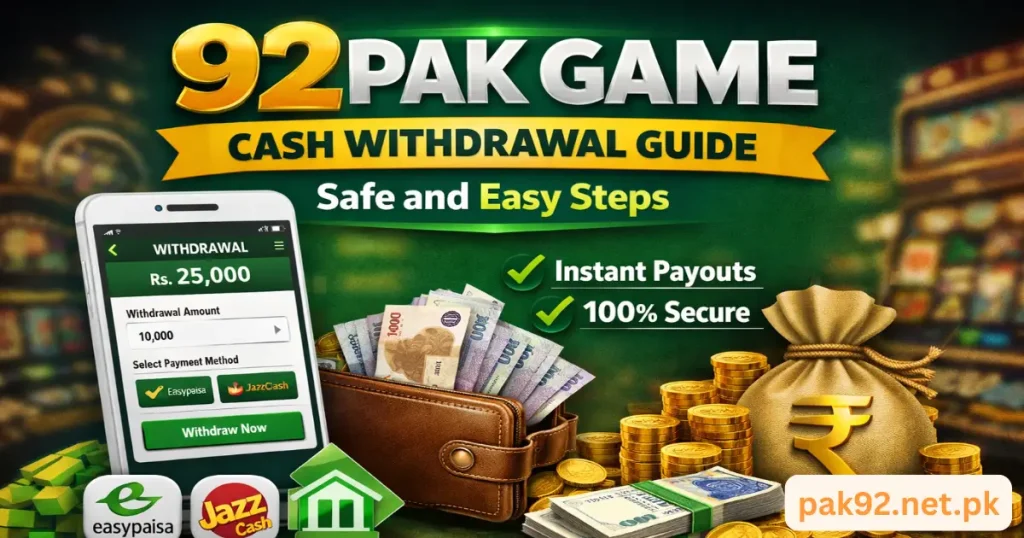
Step-by-Step Withdrawal Process
1
Log In to Your 92Pak Account
Open the 92Pak app or website and sign in using your registered mobile number or username and password. Make sure your account is fully verified before proceeding.
2
Go to the Wallet / Balance Section
Once logged in, navigate to your Wallet or My Balance section. This is usually found in the main menu or your profile dashboard.
3
Select “Withdraw”
Tap or click the Withdraw button. A withdrawal form will appear where you can enter the details of your withdrawal request.
4
Choose Your Payment Method
Select your preferred withdrawal method. 92Pak typically supports popular options such as EasyPaisa, JazzCash, and Bank Transfer. Choose the one linked to your account.
5
Enter the Withdrawal Amount
Type in the amount you wish to withdraw. Make sure it meets the minimum withdrawal limit (usually Rs. 100 – Rs. 500 depending on the method). Do not exceed your available balance.
6
Enter Your Payment Details
Provide your EasyPaisa/JazzCash mobile number or bank account number. Double-check all details carefully — incorrect information can lead to failed transactions.
7
Confirm and Submit
Review all the details one final time and click Confirm Withdrawal. You may receive an OTP (One-Time Password) on your registered phone number to verify the request.
8
Wait for Processing
Withdrawals are typically processed within a few minutes to 24 hours. You will receive a notification once your funds have been sent successfully.
Pro Tip Always complete your account verification (CNIC, phone number) before requesting a withdrawal. Unverified accounts may face delays or rejected requests.
Withdrawal Requirements & Limits
Before submitting a withdrawal, make sure you meet the following requirements:
✓
Account Must Be Verified
Your CNIC and registered mobile number must be verified in the system.
✓
Minimum Balance Requirement
Ensure you have a minimum withdrawable balance as per the platform’s current policy.
✓
Linked Payment Method
Your EasyPaisa/JazzCash number or bank account must be pre-registered in your profile.
Important Notice Never share your PIN, OTP, or password with anyone — including people claiming to be 92Pak support agents. 92Pak will never ask for this information.
Frequently Asked Questions
How long does a withdrawal take?
Most withdrawals are processed within 1–24 hours. During peak hours or weekends, it may take slightly longer.
What if my withdrawal is rejected?
Check that your account details are correct and your account is fully verified. If the issue persists, contact 92Pak support immediately.
Is there a withdrawal fee?
Some payment methods may have a small processing fee. Check the current fee schedule in your app settings before withdrawing.
Can I cancel a withdrawal request?
Once confirmed, withdrawals usually cannot be cancelled. Contact support immediately if you made an error.
Need Help? Contact 92Pak Support
If you face any issues with your withdrawal, the 92Pak support team is ready to assist you quickly.
Final Words
Withdrawing from 92Pak is a simple and secure process when you follow the correct steps. Always keep your account information up to date, use verified payment methods, and reach out to support if anything seems unclear. Happy gaming — and enjoy your winnings!